Automod
Automod
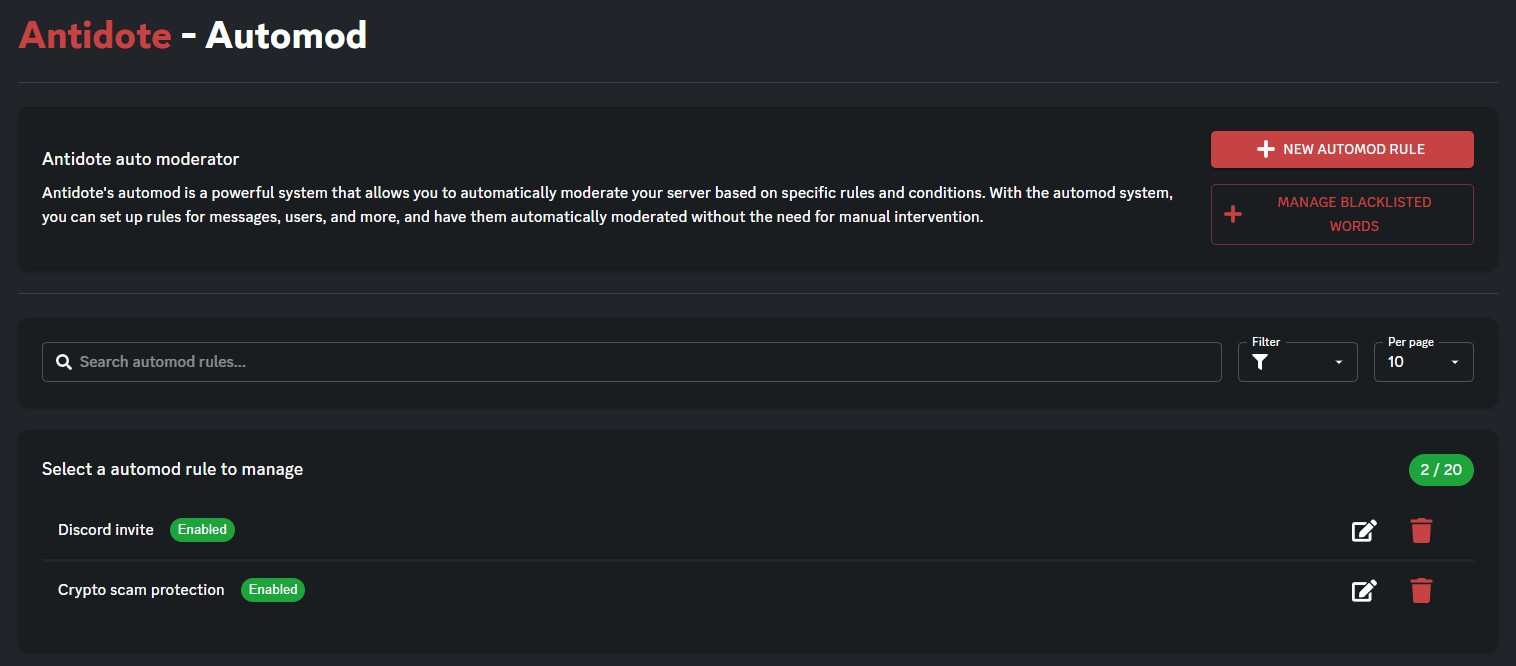
Automod watches messages and takes action for you.
You create rules in the dashboard. Each rule looks for something specific (bad words, spam, sketchy links, and more). If someone trips the rule often enough, Antidote can warn them and punish them.
What Antidote needs
The bot must be able to read messages, delete messages (if you turn that on), and apply the punishment you pick (timeout, kick, jail, and so on).
If a rule does not seem to work, check Antidote’s role and channel permissions.
How a rule works
- Someone sends a message that matches the rule.
- That counts as one hit for that person.
- If they get enough hits in the time window you set, the punishment runs.
- You can also log hits, delete the message, and send a warning.
[!tip] One rule per trigger You usually cannot create two rules with the same trigger. If you already have “blacklisted word in message,” edit that rule instead of making another one.
Blacklisted words
Word rules share one word list for your server. Manage it with Manage blacklisted words.
You can check:
- Message only — the message text
- Name only — username or nickname
- Message or name — either one
- Strict — a tighter match
Turn on Check unicode to catch people hiding letters with lookalike characters.
Other triggers
| Trigger | What it watches |
|---|---|
| Message matches regex | A pattern you write. For advanced setups. Bad patterns are ignored. |
| Emote spam | Too many emojis in one message |
| Someone spams mentions | Too many @mentions in one message |
| URL that is not related to Discord | Links that are not normal Discord links |
| Discord server invites | Invites to other servers. Your own invite is allowed. |
| Harmful images / scam images | Images that match known scam screenshots |
[!tip] Test first Try a new rule in a staff-only channel before you turn it on for everyone.
Limits
For spam-style rules you set:
- how many emojis or mentions count as one bad message
- how many times someone can trip the rule
- how many minutes that window lasts
Think of it as: “this many strikes in this many minutes, then take action.”
Punishments and warnings
When the limit is reached, you can warn only, jail, mute, timeout, kick, ban, or do nothing extra.
- Mute and timeout also need a duration.
- Warnings can go to DM or the channel, and can use a saved embed.
- Delete trigger message removes the message that caused the hit.
Ignored roles
Pick roles that should never be punished, usually staff or bots.
Plan limits
How many rules you can save depends on your plan. If you hit the cap, remove an old rule or upgrade.
After you save
Changes can take a minute or two to show up in Discord.
Related
- Antinuke — raid protection, separate from Automod
- Jail — set a jail role and channel if you use jail as a punishment
Contents

About Antidote
Antidote is a multi-purpose Discord bot designed to give you everything you need. We provide full support for moderation, fun, economy, vc control, profiles and much, much more.