Booster roles
Booster Roles
Booster roles let members get their own role for boosting your server.
Setup
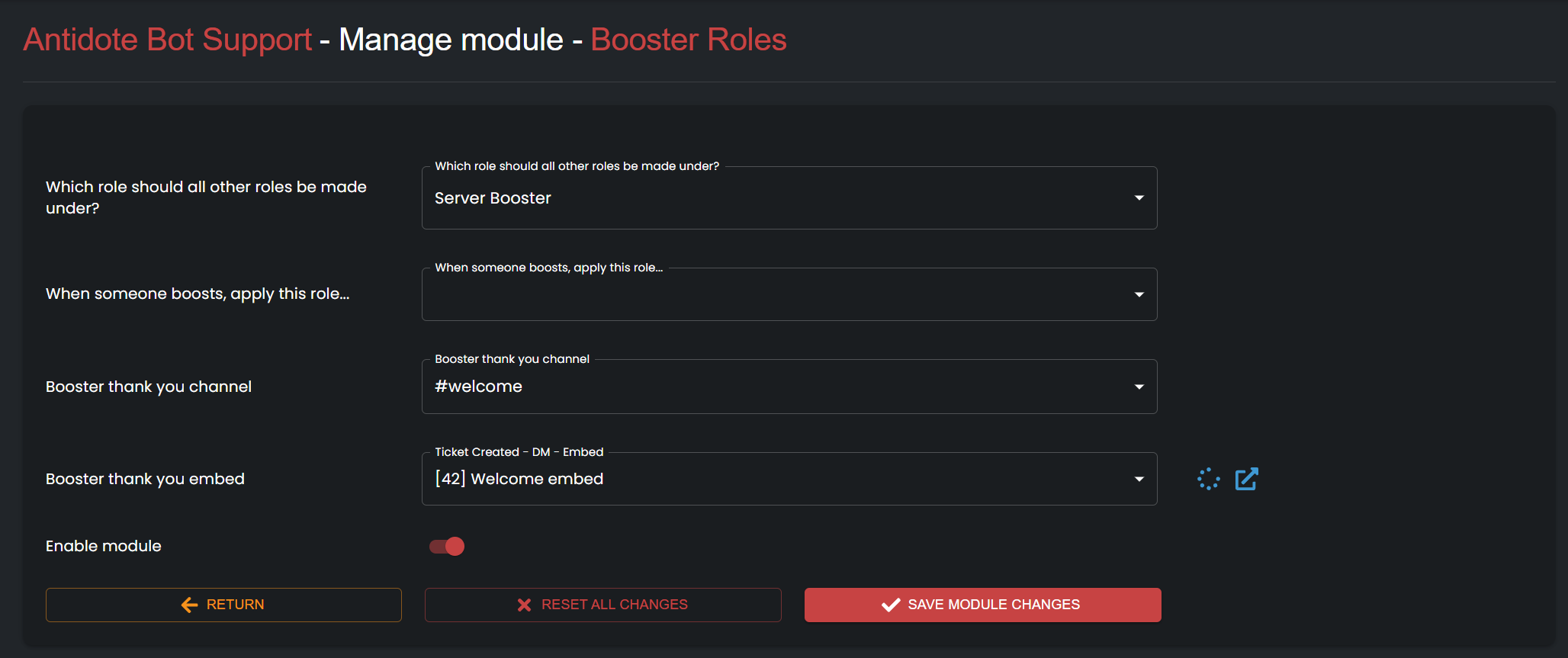
Open the dashboard, pick your server, go to Modules, then open Booster Roles.
The options on that page are straightforward. After you save, members can see booster role info in Discord.
We recommend setting a pinned role. New booster roles are created next to it.
For boosters
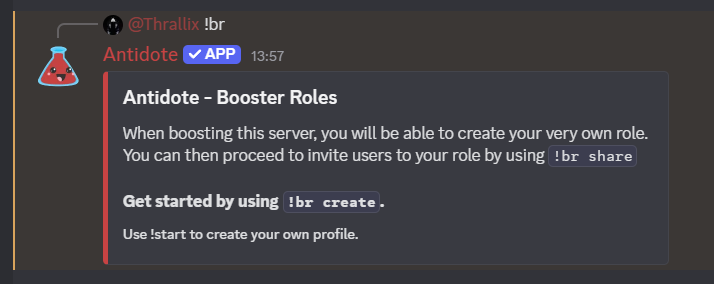
Members can type !br to see booster role info, then create theirs with !br create or !br setup.
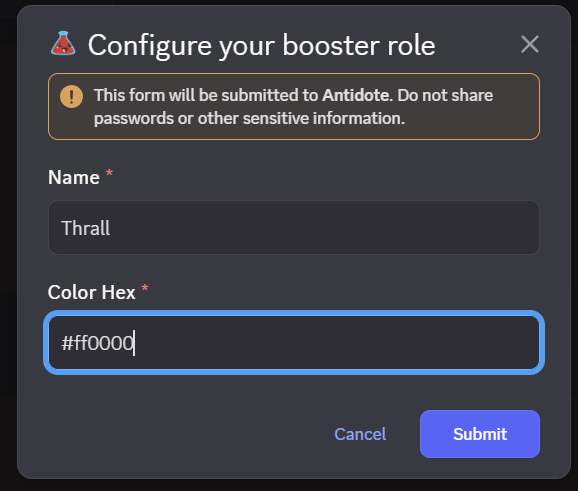
- Configure the role
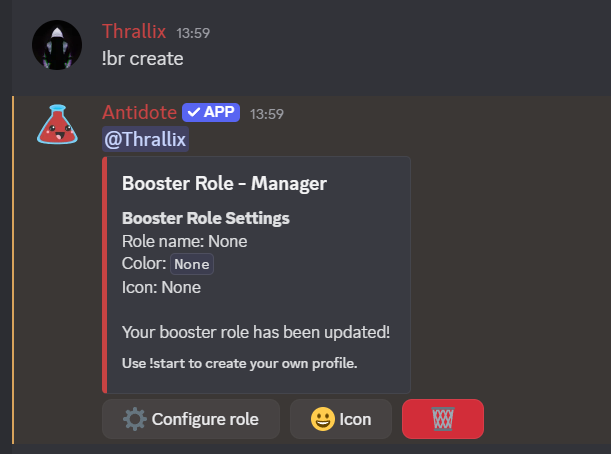
- Update it later
- Set an icon
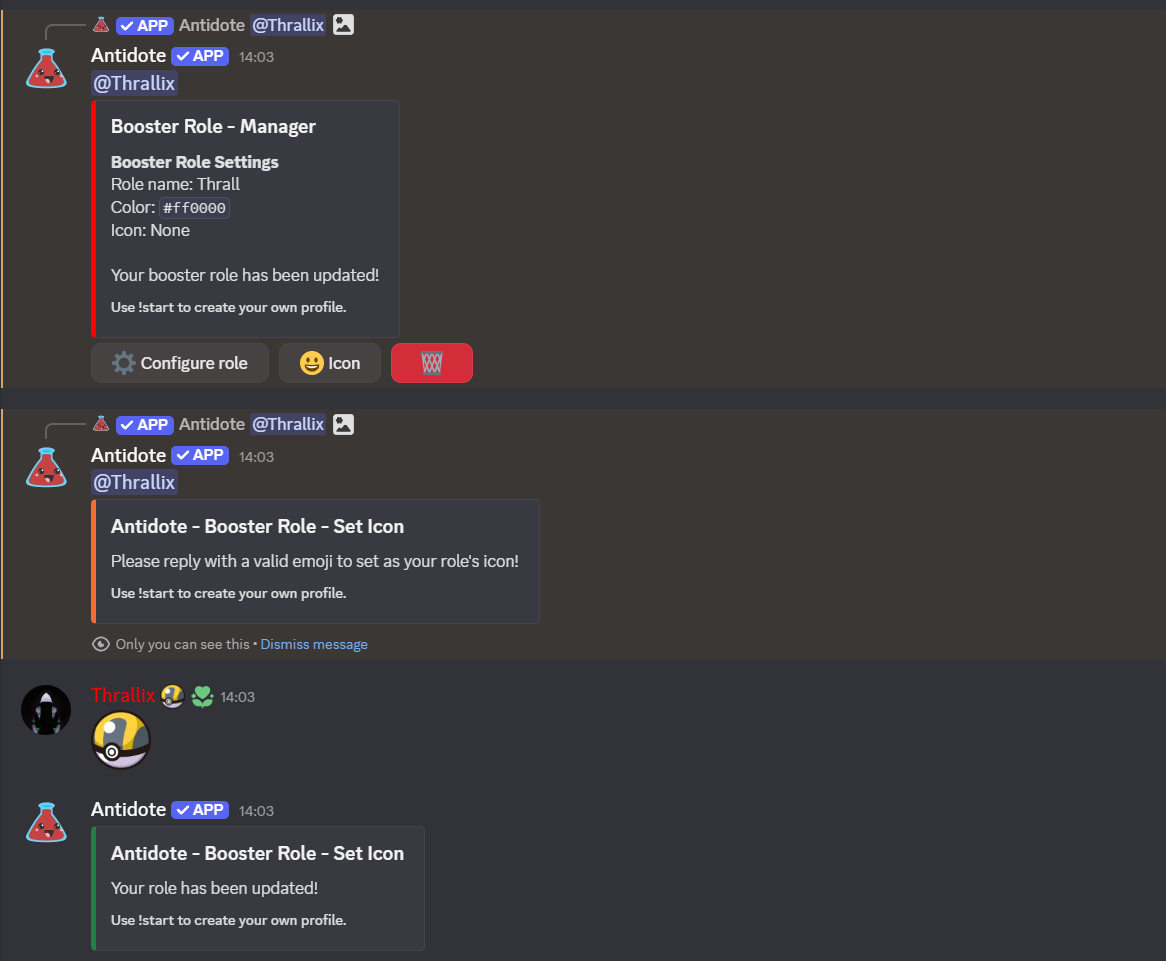
- Delete it
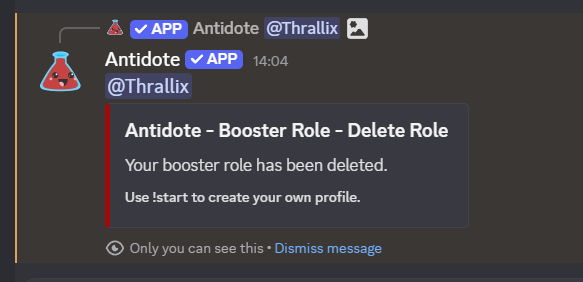
Sharing
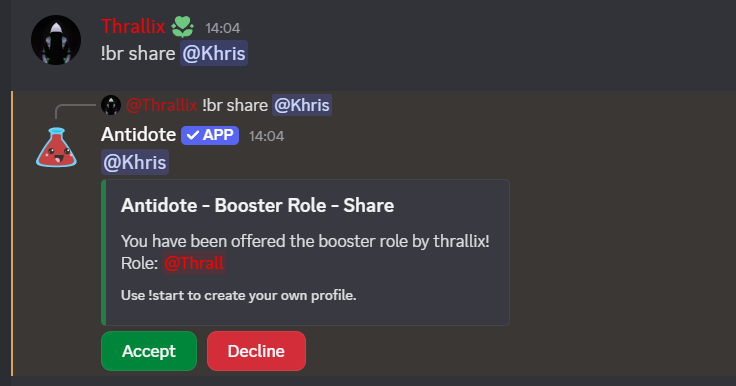
Boosters can share their role with !br share.
Contents

About Antidote
Antidote is a multi-purpose Discord bot designed to give you everything you need. We provide full support for moderation, fun, economy, vc control, profiles and much, much more.